Register an agent (CLI)
The CLI is the right choice when the agent runs from a project (Cursor, Claude Code, Codex), a server, a CI job, or anywhere you’d rather not click through GUI installers.
Run it
In the directory the agent will live in:
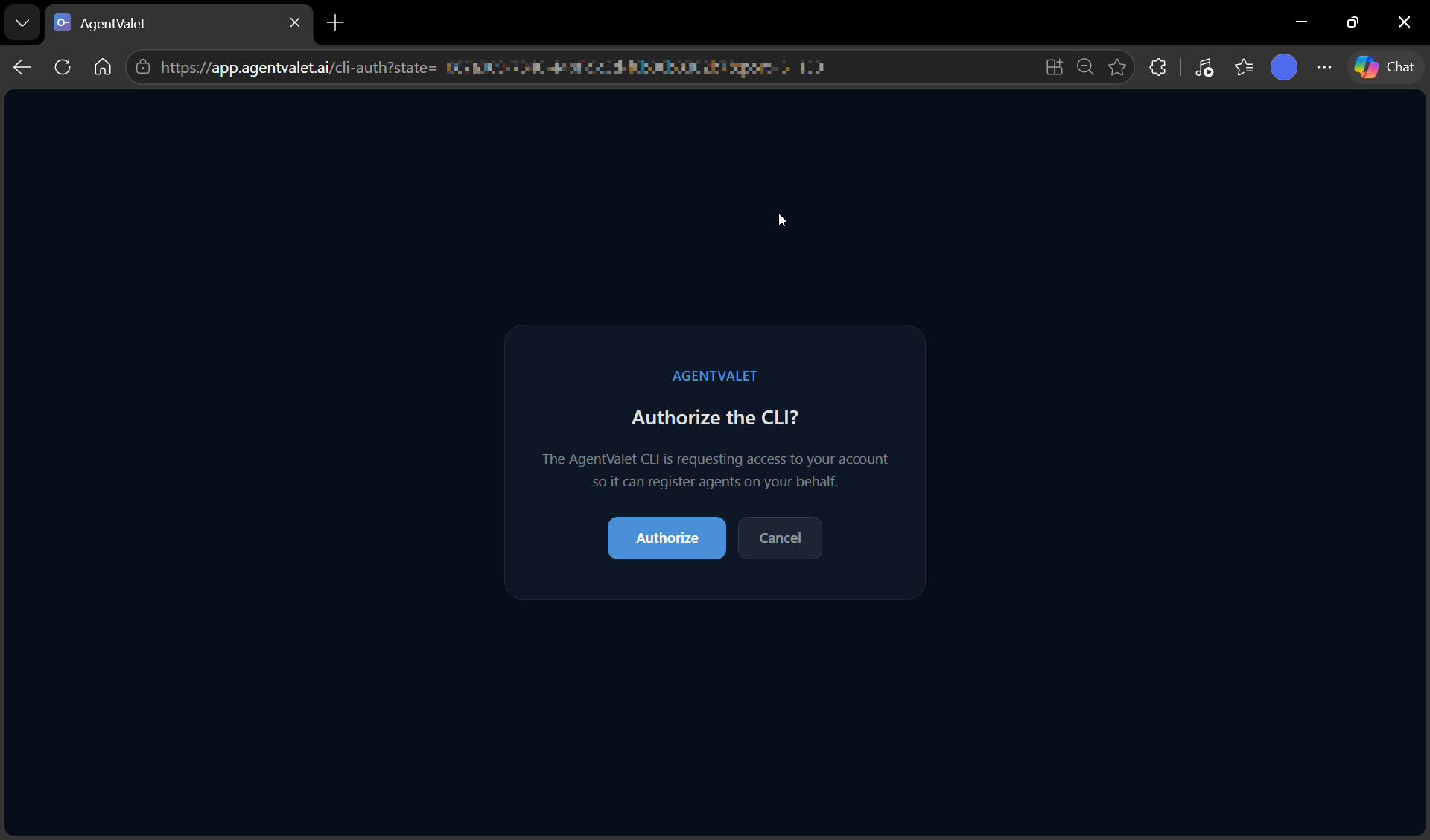
npx @agentvalet/registerIt opens your browser to AgentValet’s /cli-auth page. Sign in with Clerk if you aren’t already, click Authorise, then come back to the terminal — the CLI receives a session token over a localhost callback.
What it asks for
- Agent name — defaults to
<hostname> — <directory>. Override if you want. - Scope requests (optional) — pre-request scopes here and they’ll appear pre-selected when your owner approves in the dashboard.
What it does next
- Detects which framework you’re in (Claude Code, Cursor, Codex, OpenClaw, Factory Droid)
- Calls the proxy’s
/v1/cli/register-agentendpoint - Generates an RS256 keypair server-side; returns the agent ID and private key
- Writes config to your home directory:
~/.agentvalet/agent.key(private key, mode 0600)~/.agentvalet/config.json(agent_id, owner_id, proxy_url)
- Writes IDE-specific MCP config (e.g.,
.mcp.jsonfor Claude Code,.cursor/mcp.jsonfor Cursor) - Writes a project-level
.claude/agentvalet-permissions.mdsummary - Optionally writes
.env.agentvaletfor shell injection
The CLI prints the list of files it touched at the end so you can verify.
Step — Approve in the dashboard
The agent shows up in Agents → Pending Approval with the same flow as MCPB. See Approve a pending registration.
Step — Verify
In your IDE or terminal, the AgentValet MCP server is now wired up. Ask the agent to call list_platforms:
“Use AgentValet to list the platforms I have access to.”
A successful empty list (or list of granted platforms) confirms the install. If you get a “not registered” error, the home-directory config didn’t write — see below.
Re-running the CLI
After the first registration, the CLI has additional subcommands:
npx @agentvalet/register refresh    # pull latest granted permissions
npx @agentvalet/register mcp-server # run the MCP server over stdio (used by IDE configs)
npx @agentvalet/register list       # list configured agents
npx @agentvalet/register revoke     # revoke an agent
npx @agentvalet/register inject     # write env-var exports to .env.agentvalet
npx @agentvalet/register uninstall  # remove local config (does not revoke server-side)
If something went wrong
- Browser auth never returns — Clerk timed out (5-minute window). Re-run the CLI and try again.
- “Agent not registered” on first call — confirm
~/.agentvalet/config.jsonand~/.agentvalet/agent.keyexist. If they don’t, the writes were blocked (permissions, sandbox). Re-run with sufficient access. - Rate-limit (429) from
/v1/cli/register-agent— the proxy limits CLI registrations to 30 per owner per 5 minutes. Wait and retry.