Find your Owner ID and Proxy URL
When you register an agent, you’ll need two things from your account:
- Owner ID — a UUID that identifies your AgentValet account
- Proxy URL — where agents send signed requests (you can usually leave this as the default)
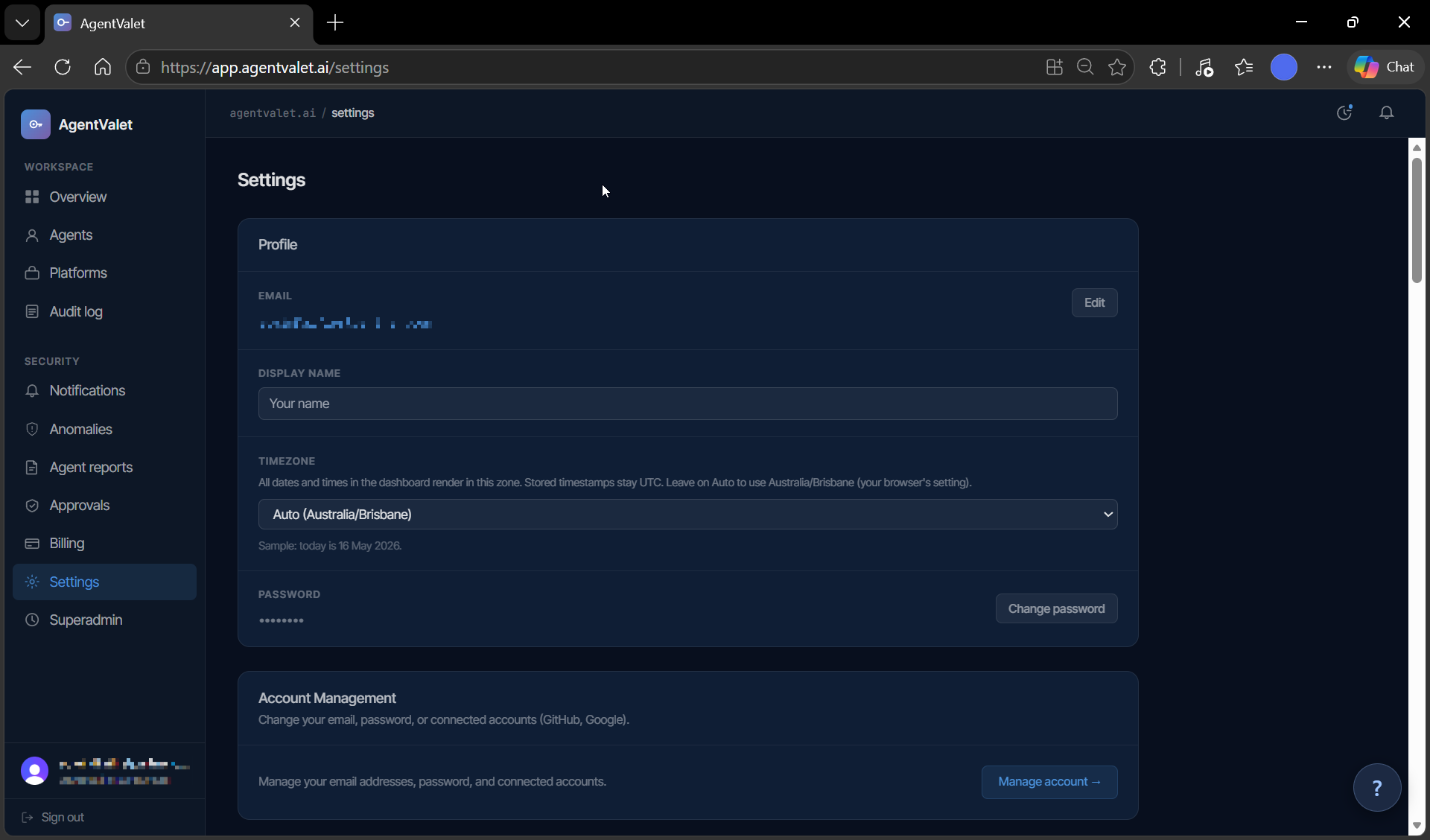
Both live in /settings → Developer panel.
Owner ID
A label + the UUID + a copy icon. Click the icon; you see “Copied!” briefly.
It looks like:
01e3e01d-7cca-4f16-a626-a6302da64d1eThis is what you paste:
- When asking Claude to register via MCPB: “Register this Claude instance with AgentValet using owner ID
<paste-here>” - Into the MCPB extension’s
Owner IDfield after registration - Into the CLI registration flow if you skip the interactive sign-in
Your Owner ID never changes. Save it somewhere convenient (a password manager works).
Proxy URL
Default: https://api.agentvalet.ai. Leave it as that unless you’re self-hosting.
If you do self-host AgentValet (a future capability — see the self-host FAQ), this is the URL of your deployment’s proxy service. Both MCPB and CLI configs expose this as Proxy URL / proxy_url.
Why both are public-ish
Neither is sensitive on its own. The Owner ID is your account identifier — it shows up in JWTs, audit logs, and configs everywhere. The Proxy URL is a well-known endpoint.
What’s sensitive is the agent’s private key (held only by the agent, never returned anywhere after registration). With your Owner ID and Proxy URL but no agent private key, nobody can do anything to your account.