Approve from a push notification
When push is enabled, every pending approval triggers a Web Push notification to every device that has the dashboard registered. You can decide right from the notification — no need to keep the dashboard open.
Enable push first
Push notifications setup walks through it. Once enabled per device, you’ll start receiving notifications immediately.
What the notification shows
AgentValet — approval required
{agent name} wants to {action} on {platform}
[ Approve ]   [ Deny ]
On supported browsers, the Approve and Deny buttons appear directly in the notification (Web Push action buttons). On unsupported browsers / OSes, you tap the body of the notification to open the approval page.
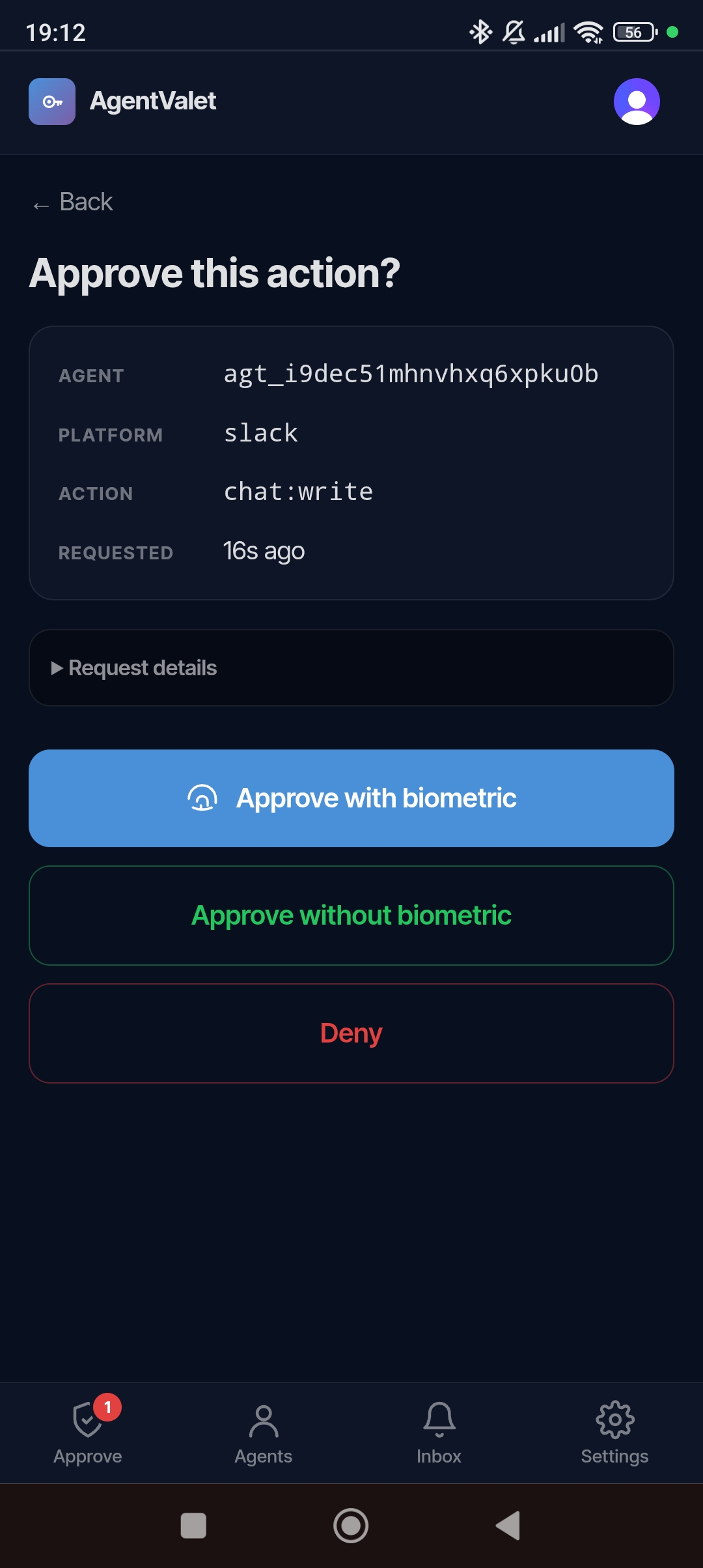
Approving from the notification
Tap Approve. Two things can happen:
- You have a passkey registered on this device → the notification opens the mobile approval detail with
?action=approveand immediately prompts for biometric. One tap, done. - No passkey → the notification opens the approval page; you tap the on-page Approve button to confirm.
Same applies to Deny — instant if you have a session, one extra tap otherwise.
When the notification doesn’t go through
A few common reasons:
- OS notification permissions are off. Check Settings → Notifications on your phone or browser.
- Browser closed entirely on desktop. Web Push needs the browser to be running in the background (most modern browsers do).
- Service worker out of date. Hard-refresh the dashboard once; it re-registers.
- Multiple devices, the one that handled it isn’t this one. If you approved from another device first, this notification becomes stale. Tapping it shows “Already actioned”.
Web Push only — for now
We don’t yet have native APNs (iOS Safari home-screen install) or FCM (native Android apps) wired up. Web Push works on Chrome on every platform, Firefox on every platform, Safari 16+ on macOS, and Safari 16.4+ on iOS when you’ve added the dashboard to your home screen as a web app.
If you need native push on iOS without home-screen install, that’s on the roadmap; tell us if you’re blocked.