Approve from mobile
If you visit AgentValet on a phone, you’re routed to a mobile-optimised view at /m/*. The approval flow there is built to be a couple of taps with biometric confirmation.
The mobile approval list
Navigate to /m/approvals (or follow a push notification on the device). You see a stripped-down list of pending cards: agent, platform, scope, expiration.
Tap any card to open the detail page.
The detail page
/m/approvals/:id shows:
- Agent name
- Action being requested
- Platform + scope
- Approve / Deny buttons sized for thumbs (44pt minimum)
If you’ve registered a passkey on this device, a Approve with biometric button appears as the primary action. Tapping it triggers Touch ID / Face ID / Windows Hello / hardware key. If the biometric succeeds, the approval goes through immediately.
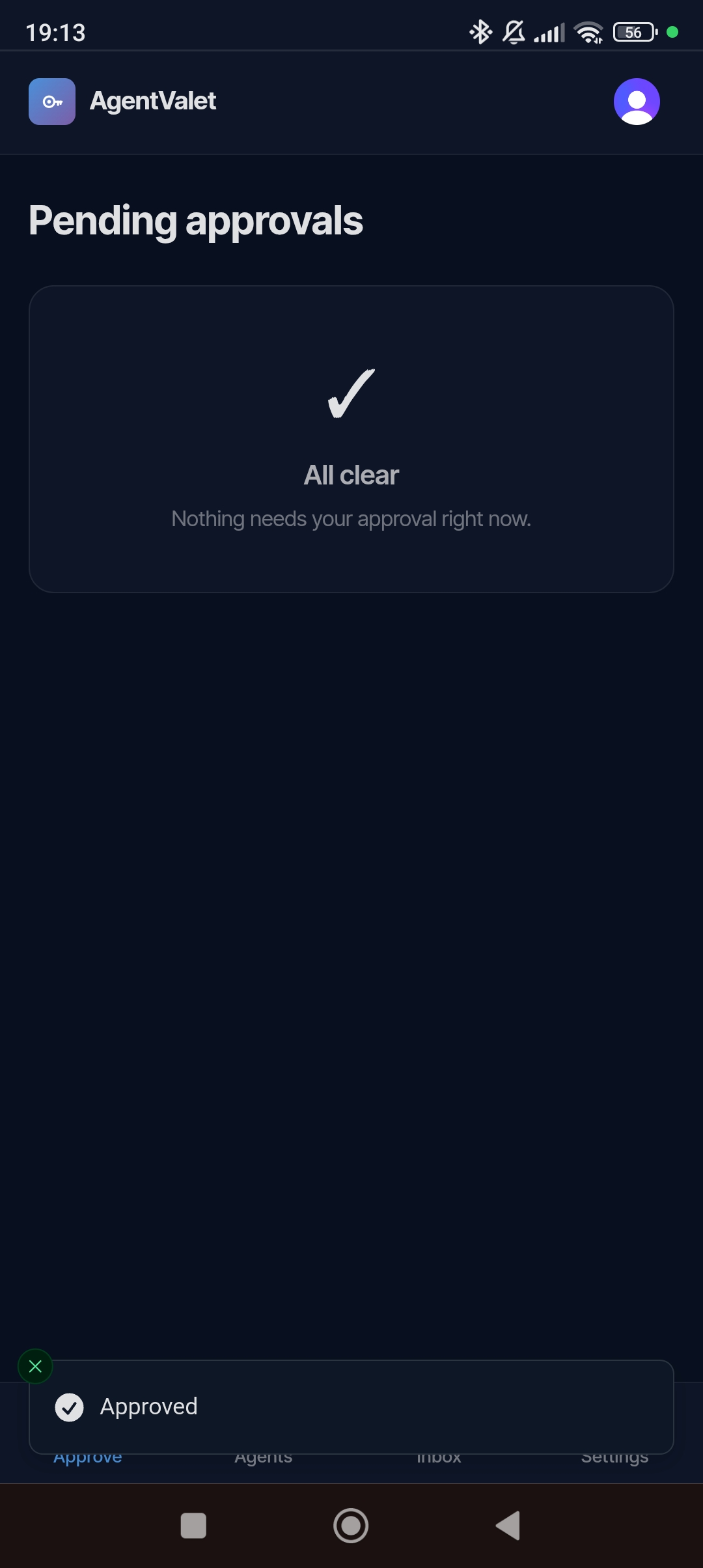
If you haven’t registered a passkey, you just get the plain Approve / Deny buttons — same behaviour as the desktop dashboard.
Registering a passkey on mobile
/settings → Passkeys card → enter a label (e.g., “iPhone 15”) → Register.
Your phone prompts for biometric setup. Once registered, that device can approve via biometric without a typed session.
Why passkey instead of just the button
Three reasons:
- Reduces the cost of false approvals. A passkey tap is two seconds — the friction is just enough to make you actually look at what you’re approving.
- Even if your dashboard session leaks, an attacker who has your session cookie can’t approve via passkey — they’d need physical possession of your device + your biometric.
- Magic-link approvals can be passkey-gated too. Delegates who registered passkeys see the biometric option on the magic-link page.
When the approval is already gone
If you tap a notification long after it was sent (more than 10 minutes for the queue entry, or someone else already approved/denied), you’ll land on a state like:
Already approved by edwin@example.com at 14:32
Nothing to do.